
It's the first time in the history of the world.
AI writes a program in a few minutes, and you're busy for the first half of the day.
From the chat window, copy to the documentation, organize the layout, send it to colleagues, and then dismantle it into PPT.
It is not easy to prepare properly, but the customer comes to a conclusion: the demand has changed.
So we went through the chat records, changed the program, supplemented the report, and explained the new requirements to AI again.
AI is generating content faster and faster, and it can slide between several software packages when you, the "carrier" or you, spend your energy folding and folding.
OpenAI is trying to connect these decentralized office links so that more AI can move information, change documents, and keep up with tasks.
On September 29, OpenAI announced a new set of office collaboration features at DevDay 2026:
Shared workspace Space, collaborative documentation Pages, and upcoming collaborative slides.
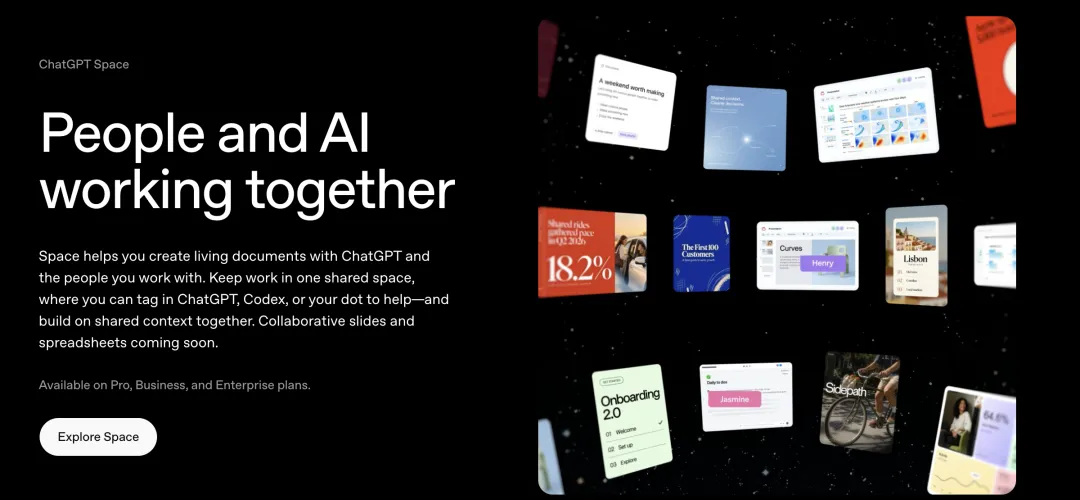
Space puts people in a shared workspace with AI
Shared workspaces are responsible for centrally storing data, pages take on team discussions and creation, while collaborative slides can turn good content directly into PPT for colleagues and AI to modify.
Space and Pages have begun to open to designated paid plans, with collaborative slides planned to launch in the coming weeks.
What's even more exciting is that the document can also be continuously updated based on the information sources and automation tasks you set.
If you're tired of jumping back and forth between different office software, this new tool is worth checking out.
It is extending the role of AI in the office from "help me write one" to "help me keep up with this".
The program was discussed.It's all about AI and change.Find out what Space and Pages can do for you.
Space is the central storehouse for the files and pages you create, upload and share in ChatGPT, replacing the original Library.
Pages are "living documents" that can be edited, shared and created with AI.
After discussing the good points in ChatGPT, you can have it directly convert the results of the conversation to the Pages page, then pull in colleagues by sharing an invitation to view or edit the permissions.
People can not only edit in real time, comment in comments, but also call ChatGPT directly, or have their Dot smart body work if Dots are open.
It's not just about putting text, images, graphs, or even interactive tools into a page.
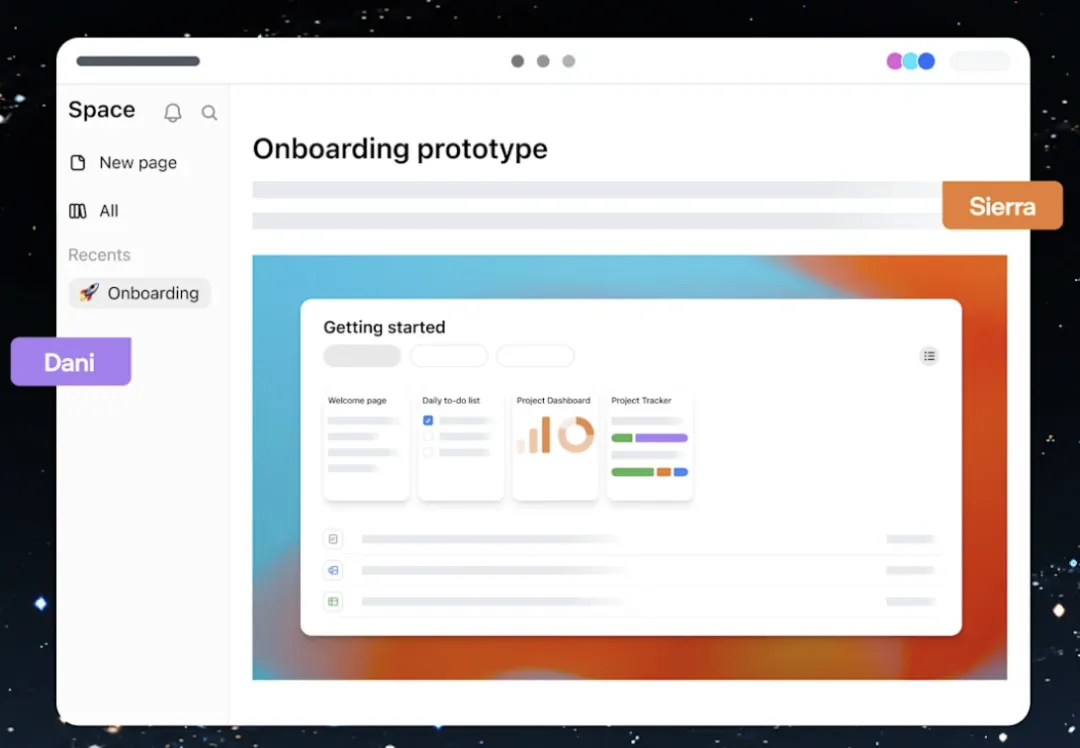
Space's official template: Prototypes and collaboration highlights on the shared page.
What's even more troubling is that colleagues feel that a passage is too stupid to comment directly on the page and have AI rewrite a version.
Discussions and modifications can take place around the same material, without having to move your colleagues' opinions from a group chat to an AI window, and then re-document the altered content.
This is more tempting than just adding an "AI Rewrite" button.
After all, the most time-consuming way to write a program is to repeatedly modify it after it has been published:
The comments were scattered across the WeChat community, with different versions dropped in different folders, and the next time the work started, the entire background had to be rewritten like a puzzle.
Sharing pages are about taking over these scattered pieces of dirt.
With this common material, you and your colleagues can call on AI and go back and forth without having to change backgrounds every time.
The information has changed.Documents can also be updated on their own.However, the change of the documentation is just an appetizer.
OpenAI is also trying to solve a more daunting problem: the documents that were written late last night are outdated this morning.
Customers changed requests, the team adjusted the timing, and the product removed a feature... a small change could make the plans, waiting lists, and reporting materials go with it.
In order to keep people less busy, OpenAI added the ability to update Pages continuously.
You can access the source of the information, set up an automation task, and tell ChatGPT what content is updated, what information is referenced, and how long to check it.
Once it's set up, it can keep up to date as requested, and you come back regularly to see the changes, check the results.
According to the official method, you can arrange tasks for AI as follows:
Check authorized project information daily, update this progress page, list new obstacles and things that need to be confirmed.
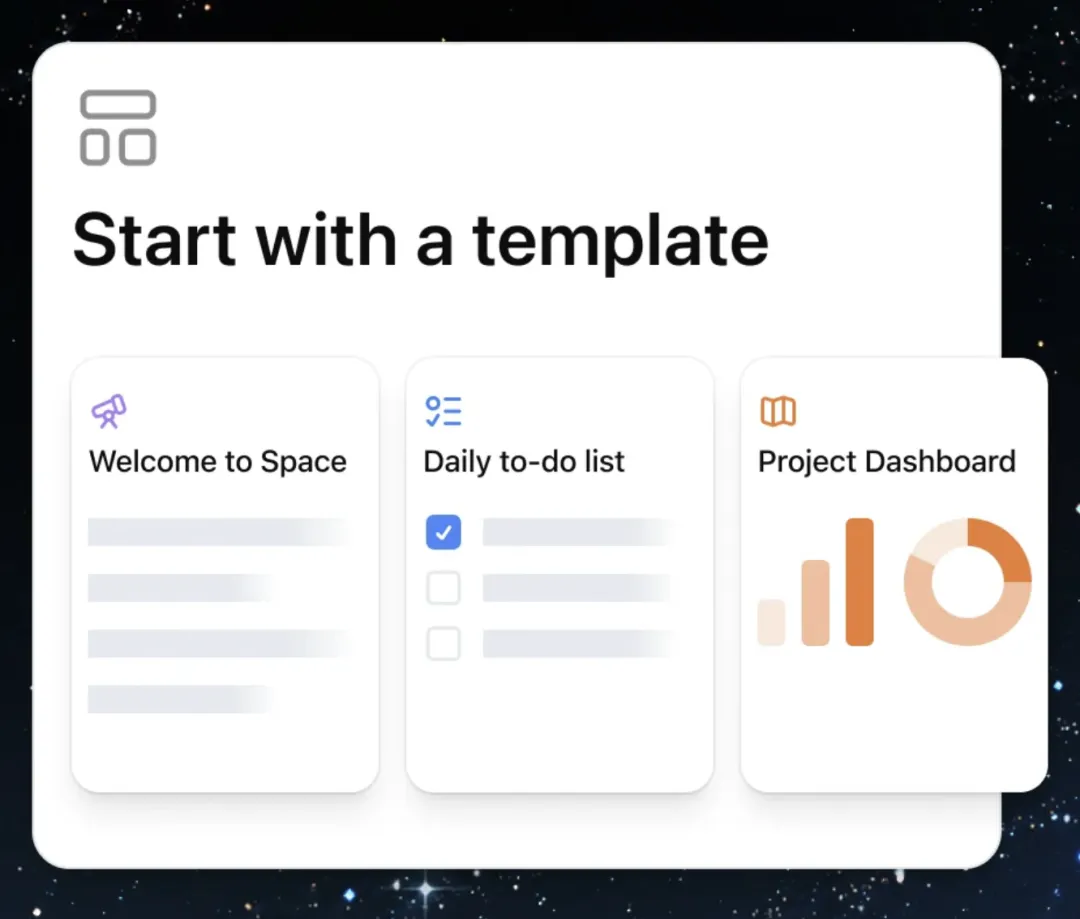
Templates such as waiting lists, project boards can be used as a starting point for pages.
Specifically, what steps can be completed, what tools are accessed, if the information is complete, and if the task requirements are clear.
Furthermore, you can also drag Dots into the project and then activate.
For example, in an official list of sales scenarios, Dot can check customer requests, customer history and product information to find links that need to be tested.
As demand and test results change, it will continue to update proposals and test plans to highlight unresolved issues.
This is equivalent to having a little assistant who continues to follow after the program is written. What materials should be changed, what things should be done, does not have to be completely dependent on the moment to remember.
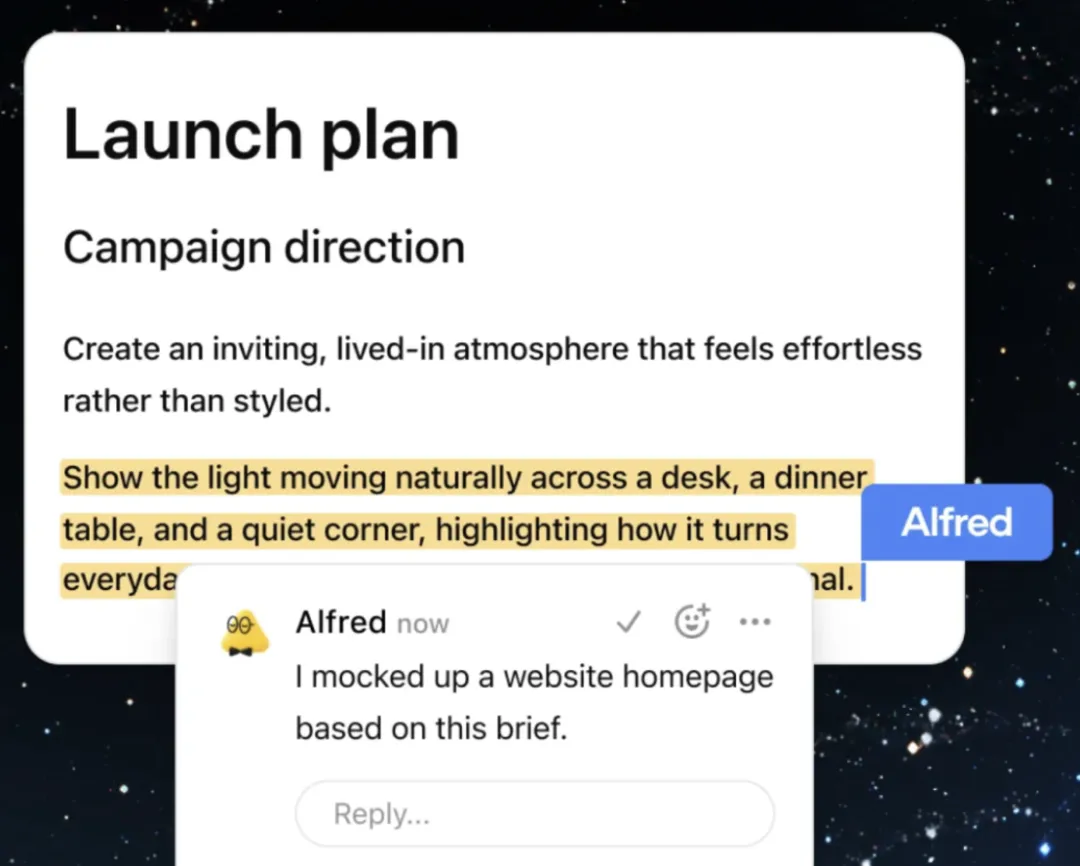
Dot left comments and feedback on the follow-up work in the shared program.
Of course, in order for the document to keep up with project changes, the AI must first get the relevant information: which information can be read, according to which rules to update, needs to be exchanged in advance.
Important results and foreign commitments are still to be reviewed by the people.
Next up.Even PPT can do it together.After the program is discussed, revised, and usually left with a final difficulty: reporting.
The same content, made into a presentation document, has to be re-edited, reworked logically.
OpenAI's collaborative slideshow is ready to take this step as well.
According to the official description, users can then generate slides directly from a conversation or from their own template, and then be edited and commented on by multiple colleagues and smart bodies.
After completion, it can be displayed directly in ChatGPT, or exported to PowerPoint or Google Slides, which is officially said to be able to retain the format.
In this way, the team has the opportunity to discuss, modify, and communicate files around the same presentation material less often.
However, the official timetable for this feature is set to be released in the coming weeks for Pro, Business and Enterprise plans.
Space and Pages are also looking to gradually open up these plans, and some accounts may still have to wait.
Direct access to the Microsoft officeOpenAI is deeper and deeperWhen we put these functions together, the direction of OpenAI is already clear.
From chatting, searching, writing documents, doing PPT, to calling tools, following up on tasks, OpenAI wants more work done directly in ChatGPT.
This has also allowed it to step in and kill Microsoft's office space.
The competition between the two parties is the user's entry into everyday work: where to start, where to collaborate with colleagues, and where to get things done.
And Microsoft already has the layout here.
As early as September 2024, Microsoft released Copilot Pages, allowing teams and Copilot to co-edit and accumulate content.
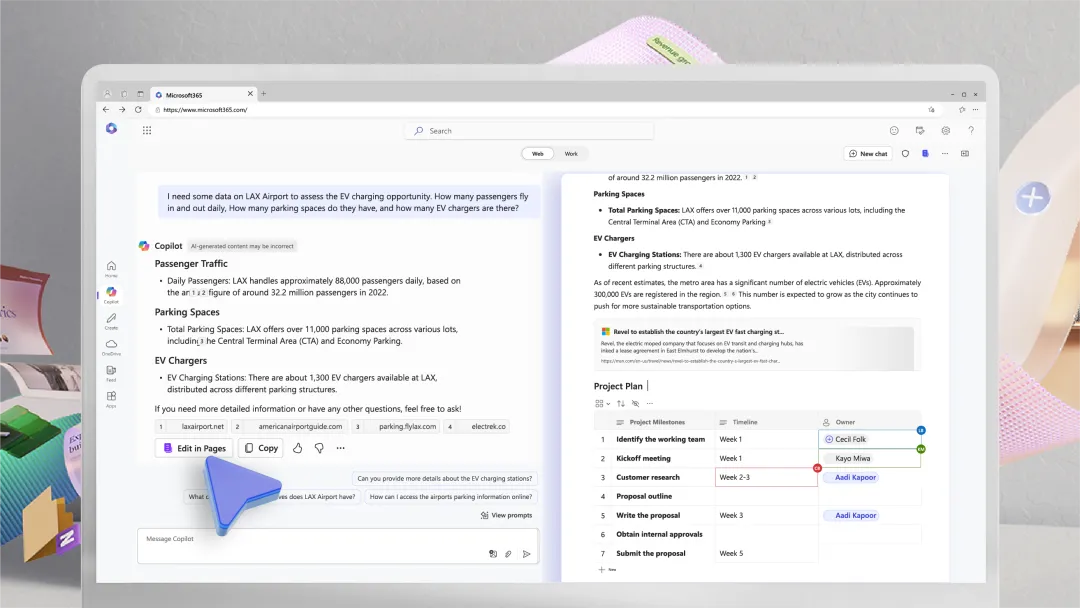
Copilot Pages: Chat and Collaborative Documentation, presented by Microsoft in 2024.
Today, both sides are moving in different directions towards the same office scenario: Microsoft is bringing AI into the office environment that everyone is already familiar with, and OpenAI is complementing its own work interface around AI.
At the same time, the cooperation between the two parties is continuing, while the users are being snatched from each other.
OpenAI said in the announcement that it is working with Microsoft to give Dot access to Microsoft Agent 365, which is responsible for the enterprise's specialized work, under the company's unified management authority and security rules.
However, for ordinary users, it is more important than how the giants plot the land, or how they can do more saving things themselves, such as less moving several times the data, less keeping track of several rounds of progress, less changing the demand at once.
Whoever can solve these problems will have a better chance of being the first working area to open up every day.
After all, what users really want to save is not only the time they spend on repetitive work, but also the effort they put into doing something.