
It's the first time in the history of the world.
ChatGPT can finally take over Chrome!
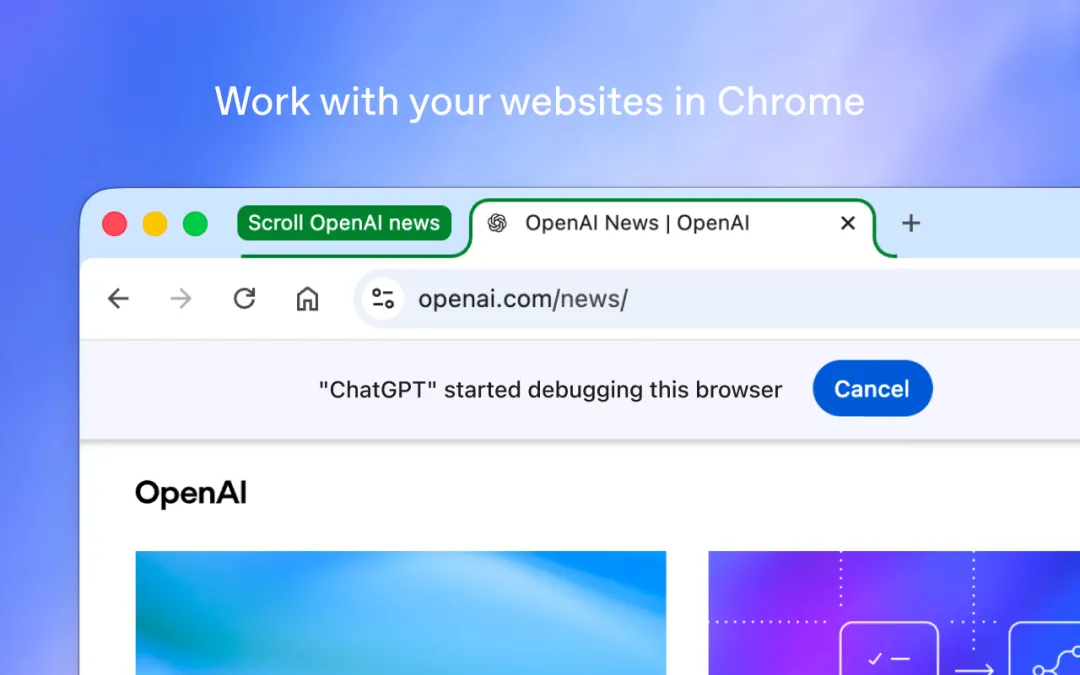
Just today, OpenAI officially announced a major upgrade to ChatGPT, bringing full computer usage capabilities to Chrome.

It's been a while since I've been able to talk to you about what you're doing.
Chat mode can search for information across tag pages, while Work mode can handle web pages, send messages, fill out forms, and download files after authorization.
Even a stacked label page can be assigned to it to sort it into groups.
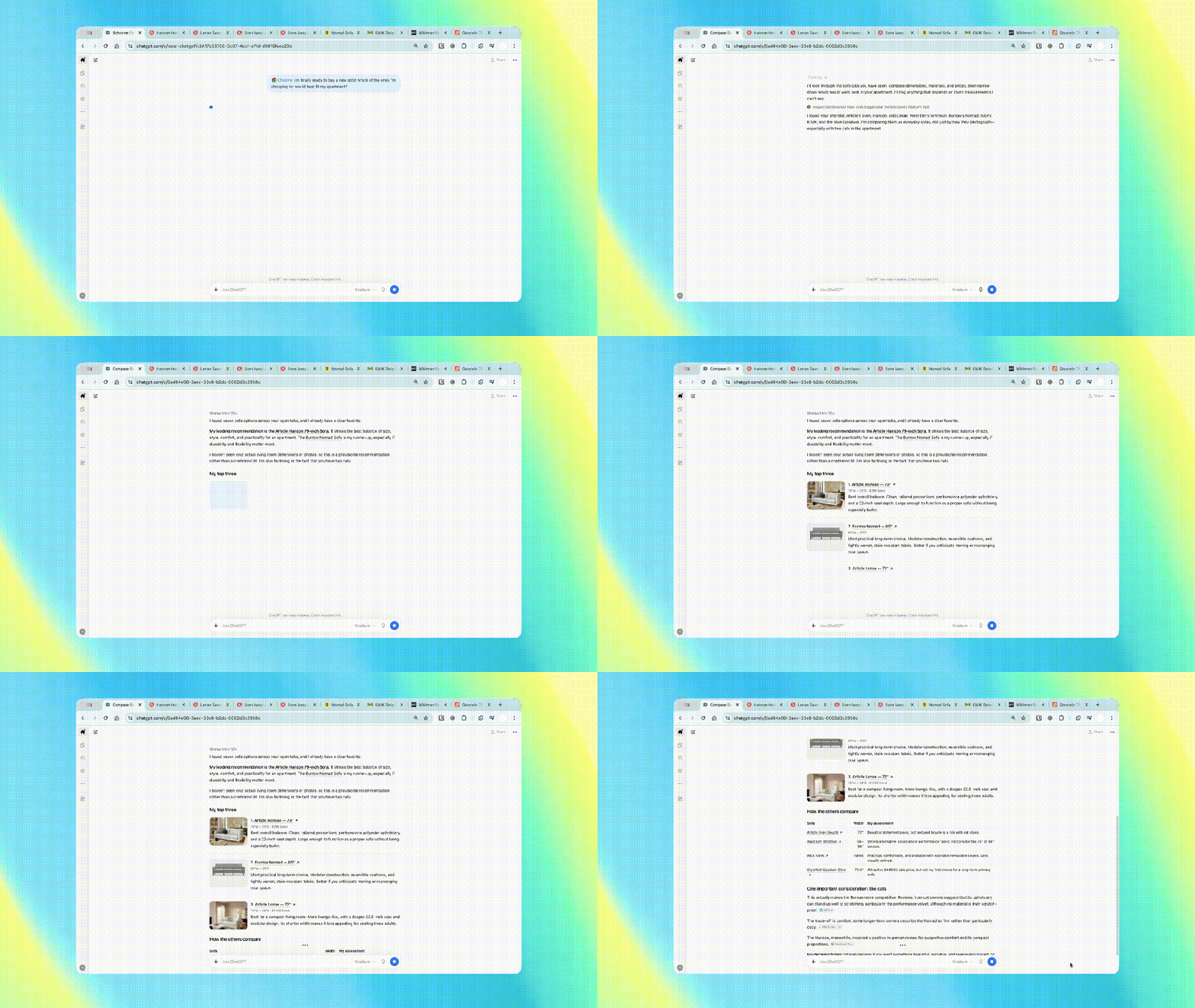
From searching for information to managing web pages, ChatGPT has really reached Chrome this time around.
ChatGPT killed Chrome"Double Mode" is on.In reality, many people's browsers are like a desk that can never be cleaned up.
On the left is the information, in the middle is the offer, and on the right is the mail and form. The more pages open, the more information that is really needed is scattered in every corner.
In the past, to get help from ChatGPT, people often had to do a shift of transportation work: copy the text, paste it into the dialogue; cut back on the web page, add another paragraph; encounter the packages of the three companies, and avoid copying themselves in sequence.
Now, the Chat mode can be used across open tag pages to collect information, allowing answers to be answered using these materials.
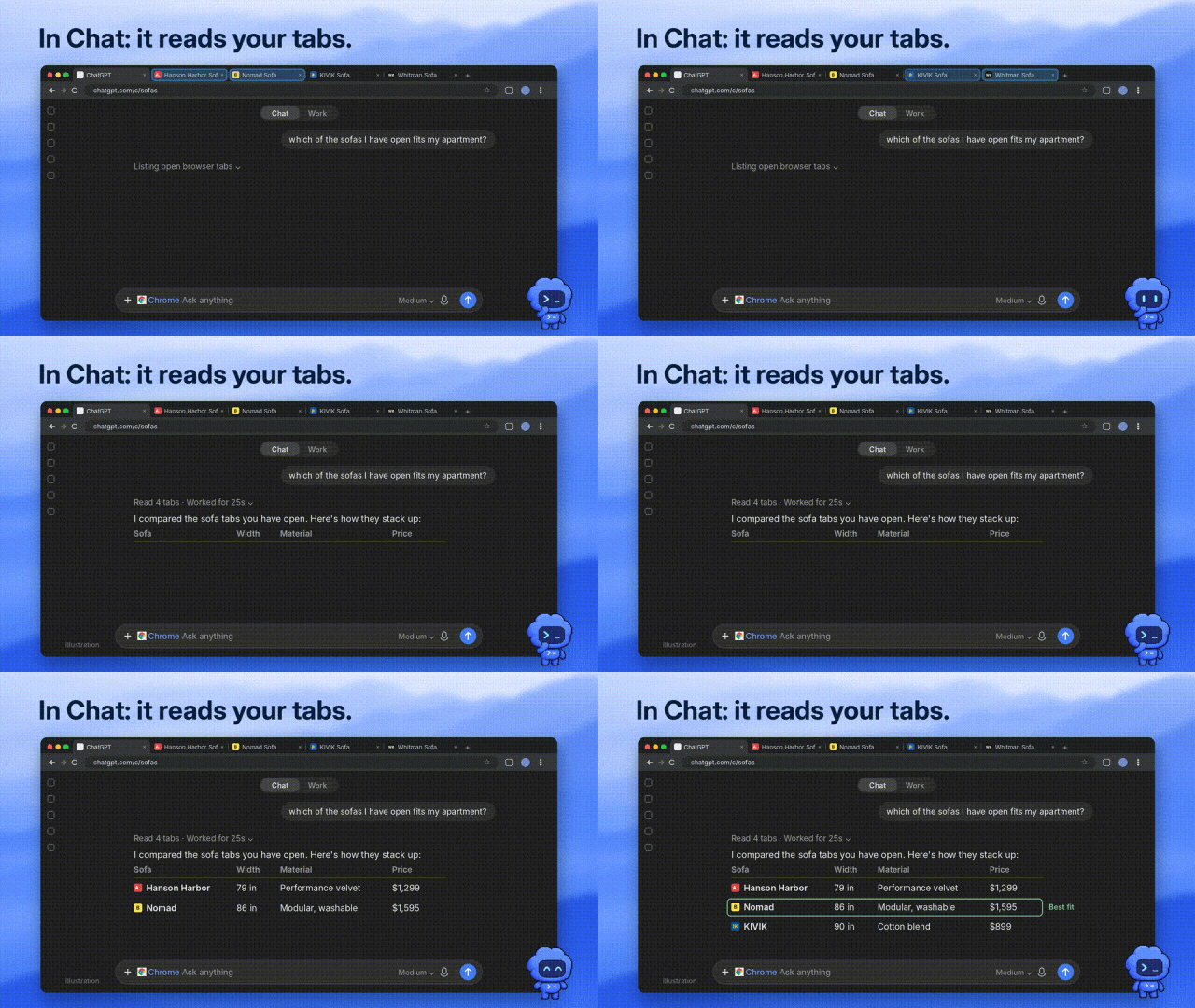
OpenAI put up a chestnut and wanted to compare the three sofas online, see the size, material, delivery time and return policy.
One is cheap, and shipping costs can be calculated differently; the other looks good, but the size can't get into the elevator. The real time-consuming thing is to find the conditions on the page and put the scales together.
The same applies to software purchases. Open several pricing pages and submit the team's needs to ChatGPT to compare which packages cover the required functionality.


It's just the beginning of a good game.
Based on the underlying Computer Use architecture, ChatGPT has finally shifted from a "light mouth" to a "real hand".

In other words, it can now take over the browser itself, click on the web page, and continue to do the tasks in turn.
For example, a brief contains a bunch of activity names, dates, addresses, and contacts, while the listing page is a scattered input box.
Instead, you have to open two windows and look at the screen to replicate the paste.
Now you don't have to fold it like that. Throw the information and ask for a brain to ChatGPT, it will fill out the form, and you'll finally have a look at the switch and do it.
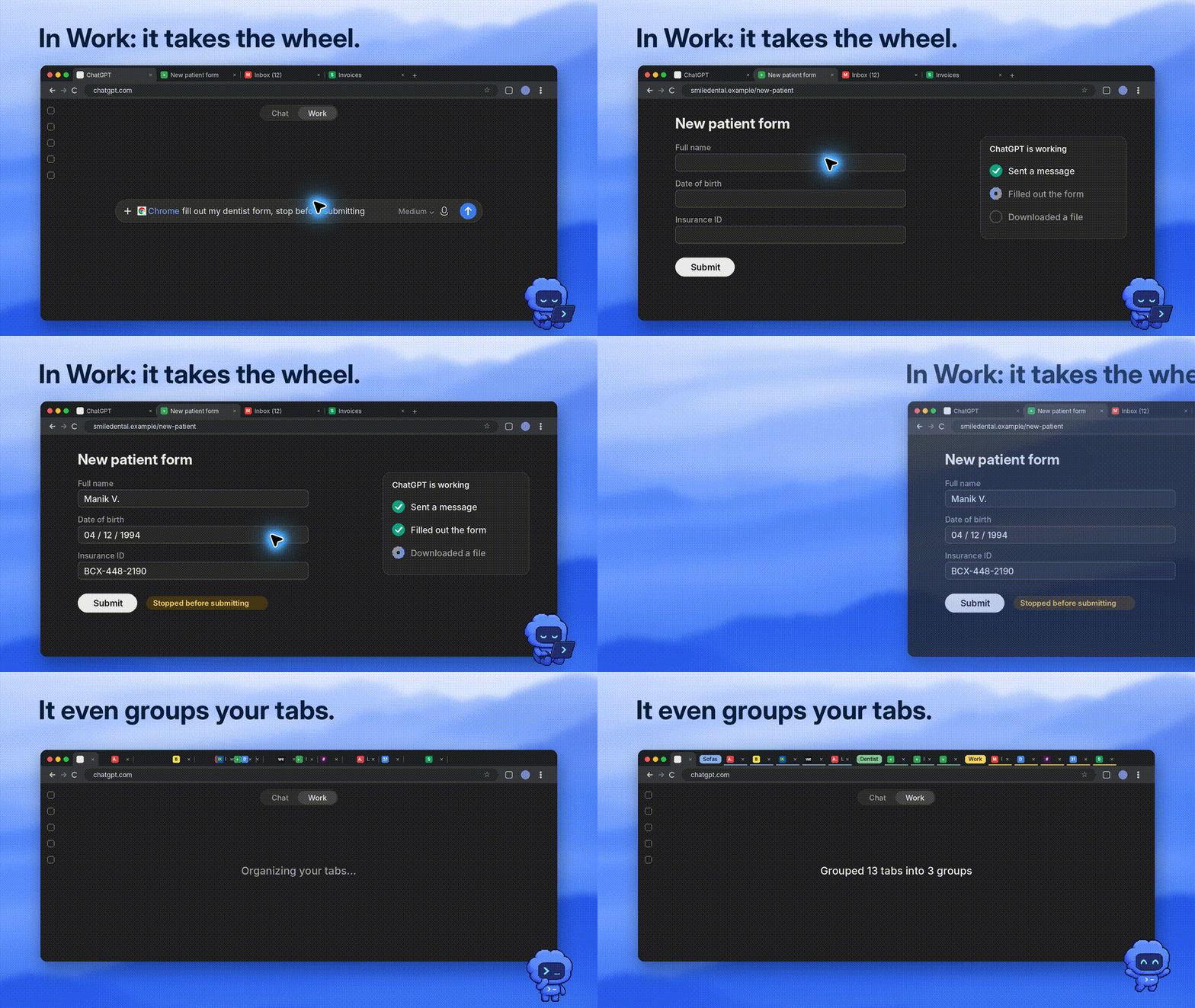
We're going back to the high-frequency scene of a worker.
Now, let ChatGPT directly summarize these tables, prices, core functionality, and source links.
The official demo even shows how to use it to "make repairs".
Several construction team pages have been opened in front of the opposite side, picking out the one that meets the most requirements, and handing out a draft of the contact email.
Even that headache-filled little detail of everyday life, it solved by hand:
The tag page is divided into a series of small icons and you can't find the new page for half a day.
It's too scented to work on a web page.OpenAI has also upgraded the ChatGPT experience in Chrome.
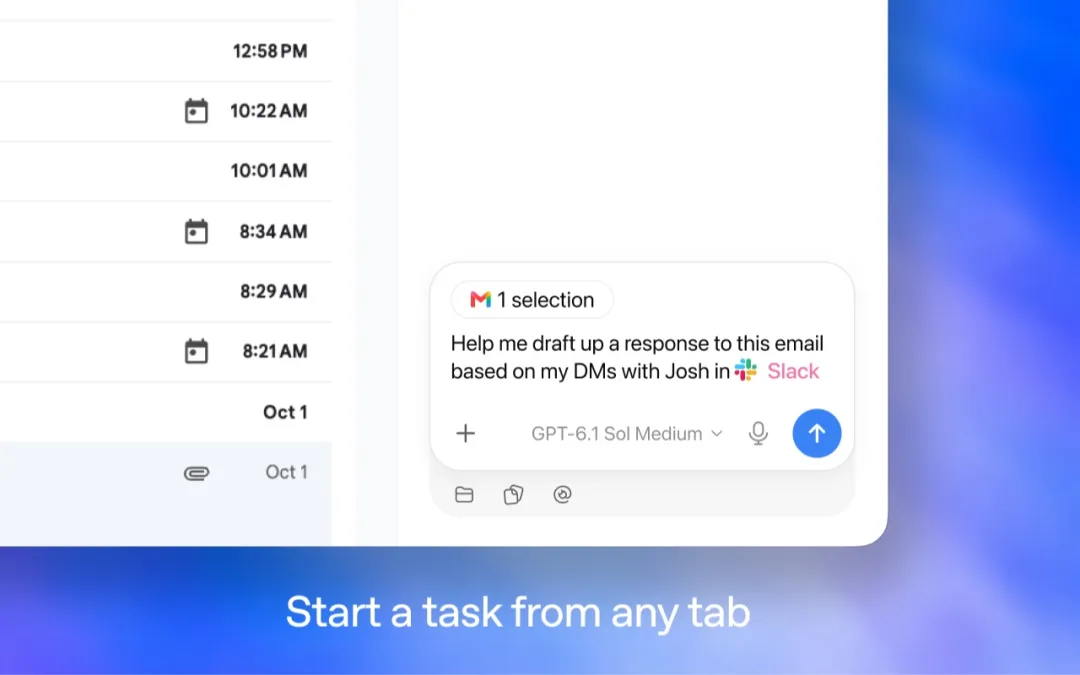
When you browse a web page, you can directly pull the sidebar to scroll through history, ask questions in Chat, or click on Work Mode to process tasks.
This is just what is needed for people who look for information on a daily basis.
For example, if the front foot is used to finalize purchasing needs with ChatGPT, the back foot is used to open the supplier's website, and the front foot is used to make direct comparisons with the front foot.
Readings and analyses are attached to a single piece.
Moreover, the conversation between the sidebar and the ChatGPT client is fully open. With a browser plug-in, it can even help you work directly on websites that are already logged in.
Of course, specifically when it will be used, it is also important to look at the official scale of the batch and the background of the work area.
 |  |
The most interesting part of this upgrade is that OpenAI is introducing AI-enabled tasks into Chrome that people are using.
The web pages, log-in status, handwritten information are all here. Linking to these contexts gives AI the opportunity to keep up with what people are doing and keep doing it.
As it turns out, OpenAI is fighting for the browser's "operating rights".
For the past two decades, browsers have been the absolute gateway to the Internet, but its logic of interaction has always been "people search for information, people click on buttons".
Now, the browser is officially transformed into a "jobsite for AI to perform tasks" and can be activated directly.
This is the pressure on Google.